 Auto Reader
Auto reading for Android
Lean back. The story scrolls itself.
Auto Reader gives you a page that moves on its own. Open a web novel, a comic or a long article, pick a comfortable pace, and let the text glide up while you simply read.
Free · Android 7.0+ · continuous reading at every pace is free
Screenshots
Settle in. Press play.
How it works
One more chapter, without lifting a finger.
Read the disclosure, switch on
Auto Reader explains what its service does and never does, then guides you through Android settings, including Restricted setting.
Open your story
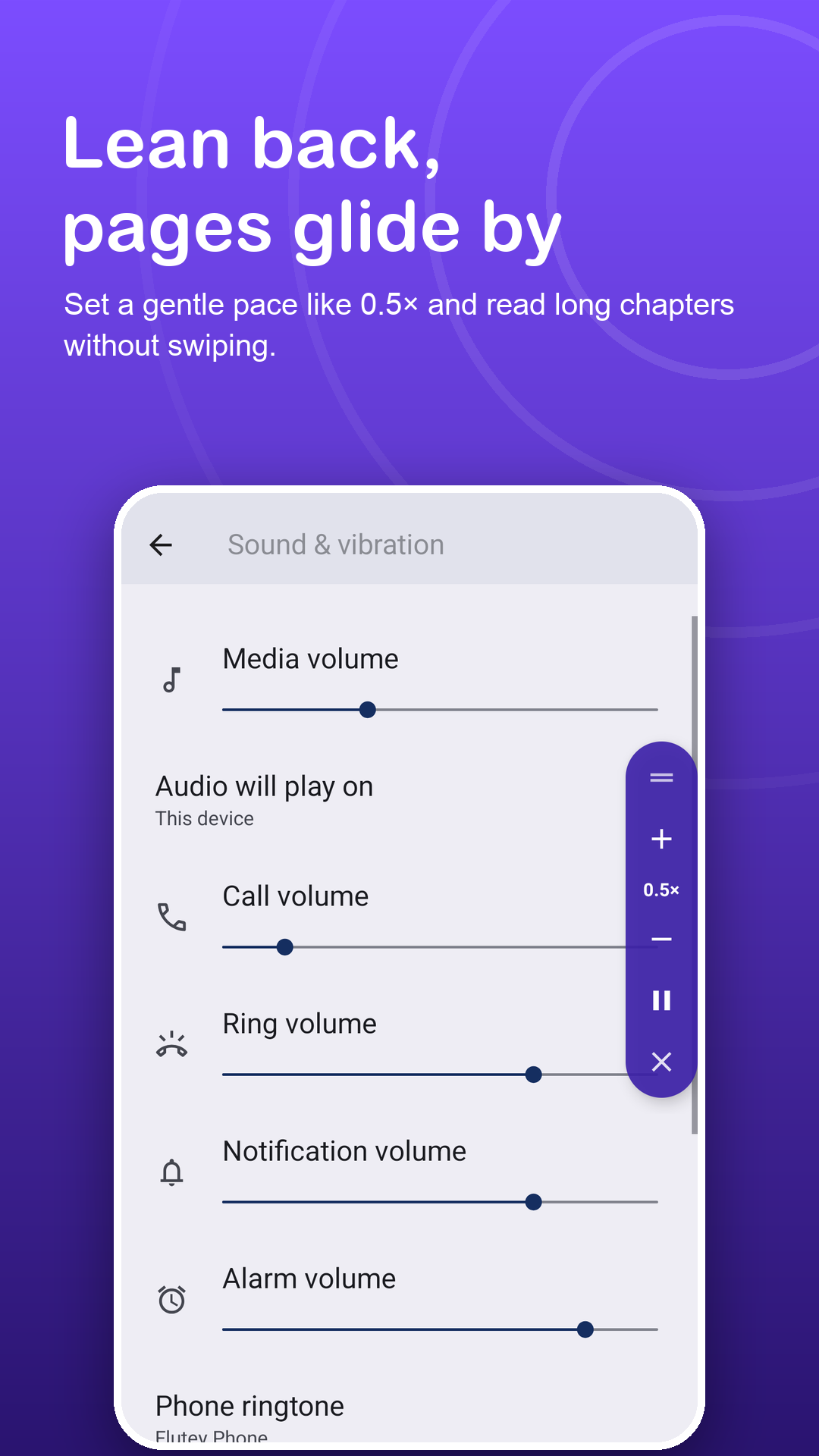
Press play on the floating panel and tap + or − until the pace matches the way you read.
Touch to re-read
Touch the screen to hold the page. Reading continues after 2 to 10 seconds, or when you press play.
Features
Reading, without the swiping.
Glides like a teleprompter
Text moves up in short linked movements, so lines stay readable and you keep your place.
Nine reading paces
From 0.25× for dense chapters to 3× for dialogue and light reads. Fine-tune mid-chapter without stopping.
Made for reading in bed
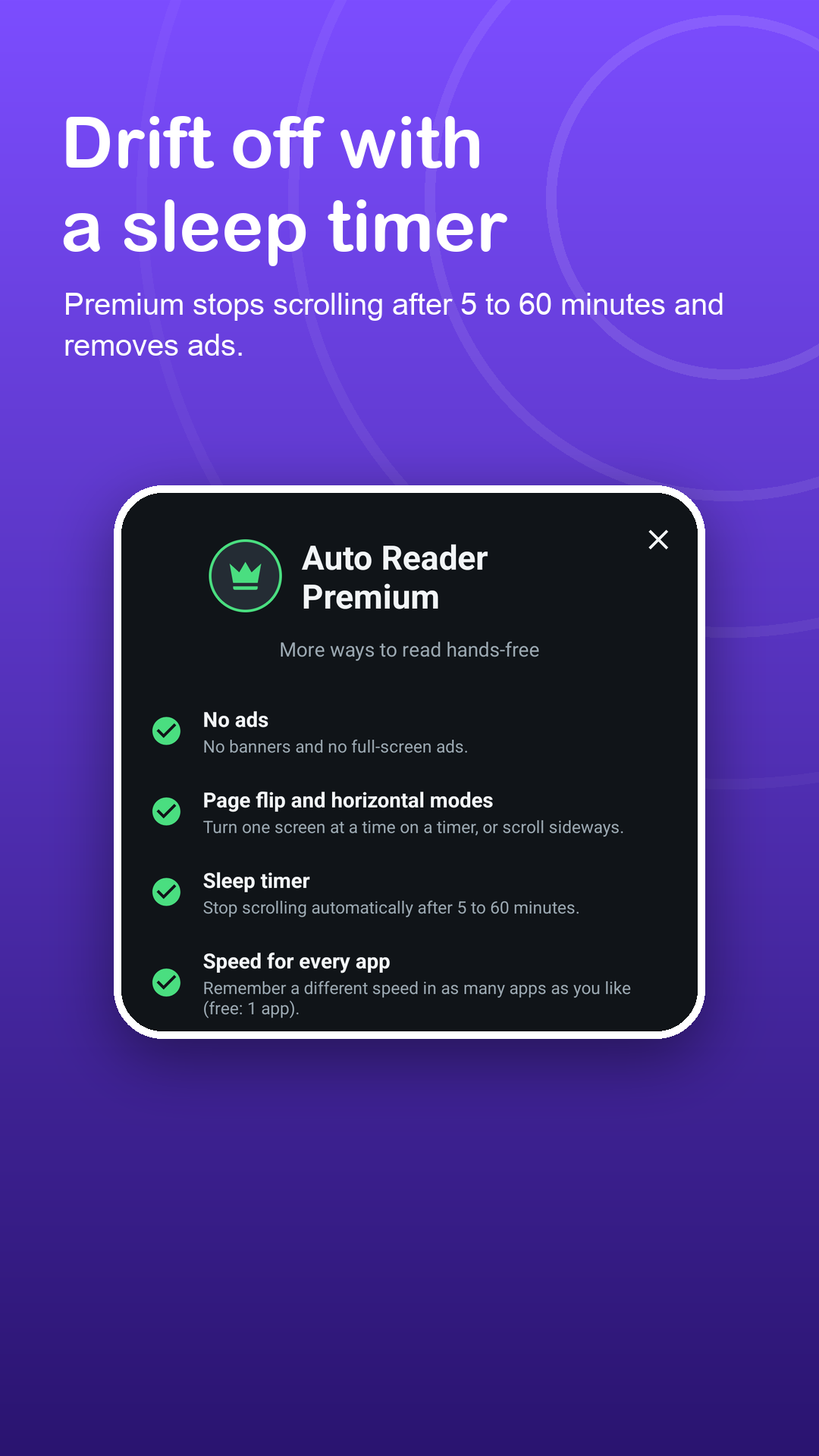
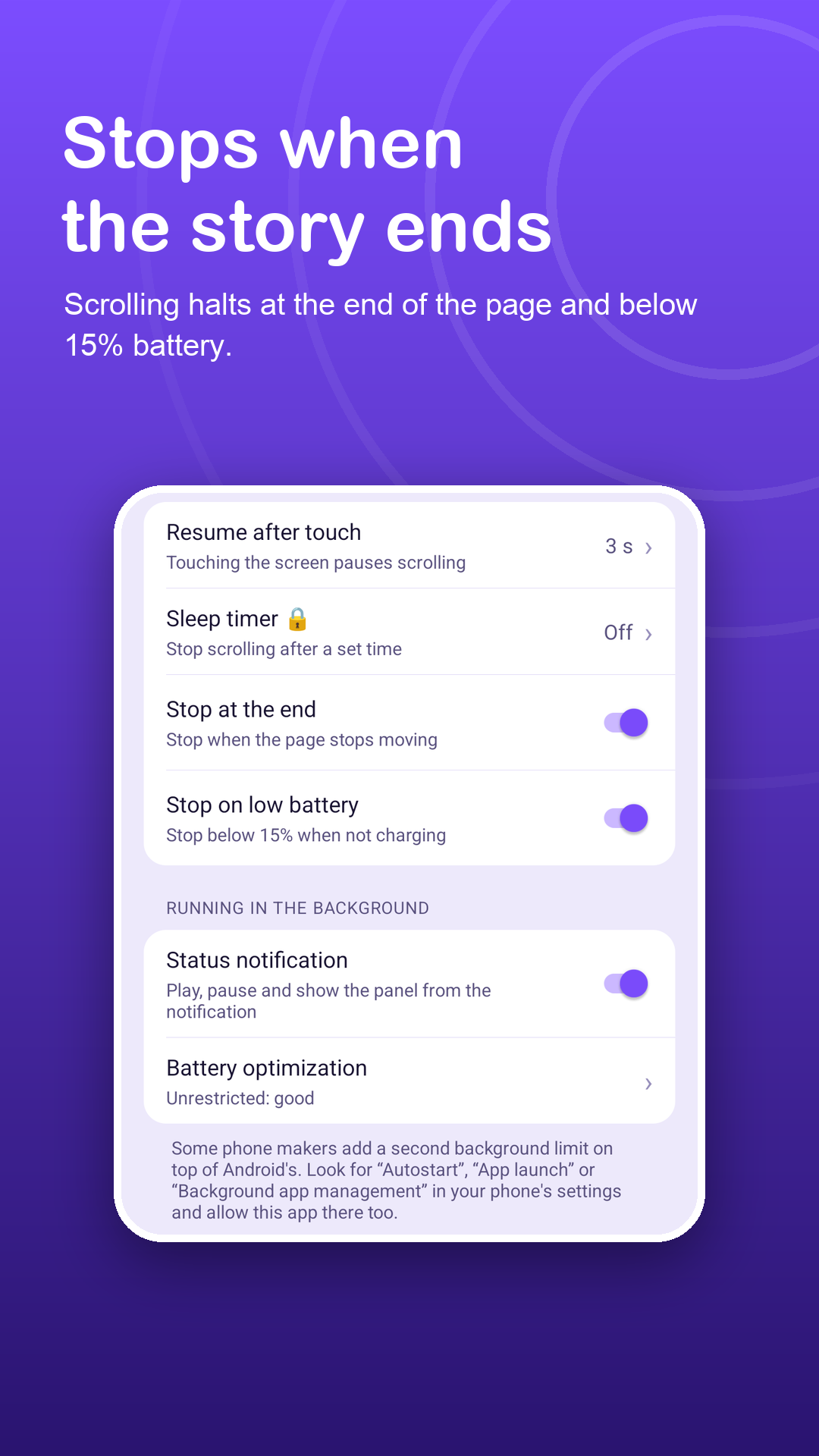
Premium sleep timer of 5 to 60 minutes. Stops below 15% battery when not charging, and at the end of the chapter.
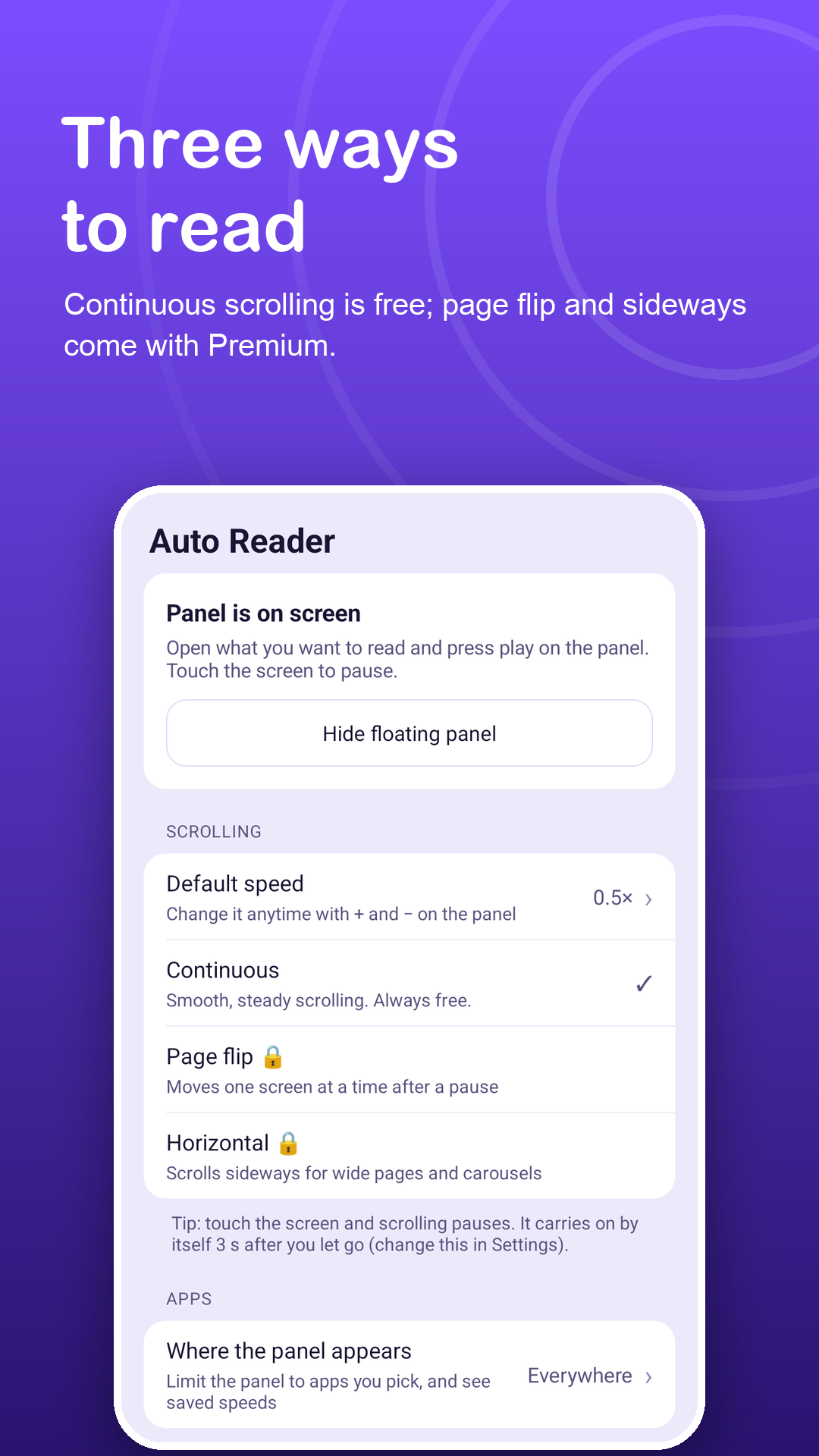
Page flip like a book
Premium: one full screen every 2 to 60 seconds, close to turning pages.
Horizontal for comics
Premium: sideways movement for comic strips and wide pages, reversible for either direction.
A pace per reading app
Your novel app and your news app can keep their own pace: one app free, every app with Premium.
Privacy
It turns the page. It never reads it.
Auto Reader uses the Accessibility API only for the scroll gestures you start with play. It receives the app name in front and scroll-position numbers, never the story on your screen. Read the privacy policy.
FAQ
Fair questions.
Why does Auto Reader use an accessibility service?
It is the only way for an Android app to perform swipe gestures inside other apps. Auto Reader uses it just for the scroll gestures, and only after you press play.
Does it know what I am reading?
No. The service cannot read text, images, passwords or other content, not even the story on screen. It receives only the name of the app in front and scroll-position numbers, and collects no data through the service.
Will it keep going if I fall asleep?
It stops at the end of the page and below 15% battery when not charging. With Premium you can also set a sleep timer of 5 to 60 minutes.
Does it work for comics?
Continuous mode works for vertical comics. Premium adds a horizontal mode for strips and wide pages, and page flip for one screen at a time.
Where does the panel appear?
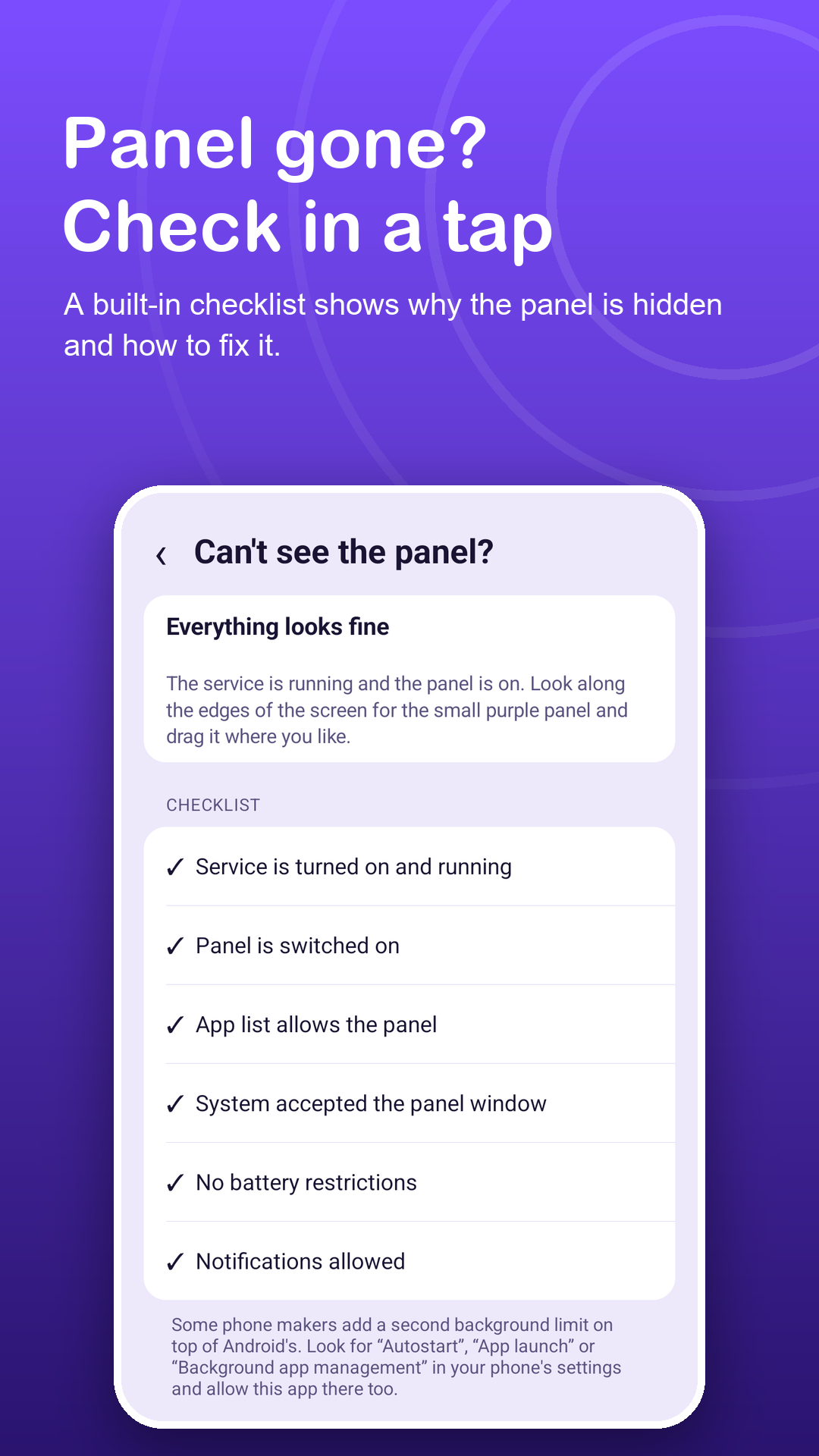
Everywhere, or only in the reading apps you add. The list starts empty, and you can show or hide the panel from the notification or a Quick Settings tile.
What does Premium include?
Page flip, horizontal mode, the sleep timer, a remembered pace for every app (free: one app) and no ads. Monthly, yearly or lifetime; cancel subscriptions anytime in Google Play.